The audio engineer's companion.
Record the show, run it, and deliver it. Everyone's phone videos get the desk's sound.
Mac for the engineer. iPhone, Apple Watch and web for everyone else.
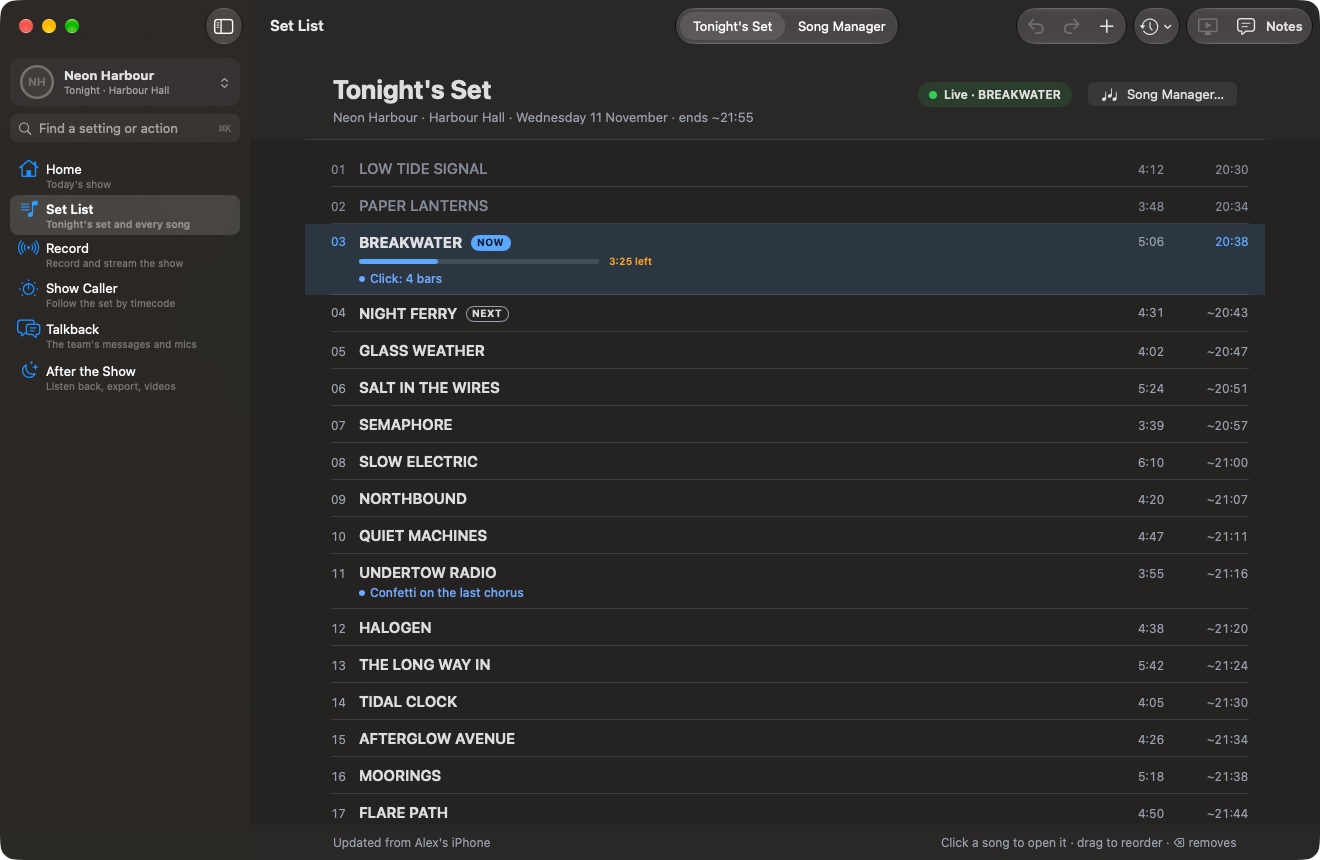
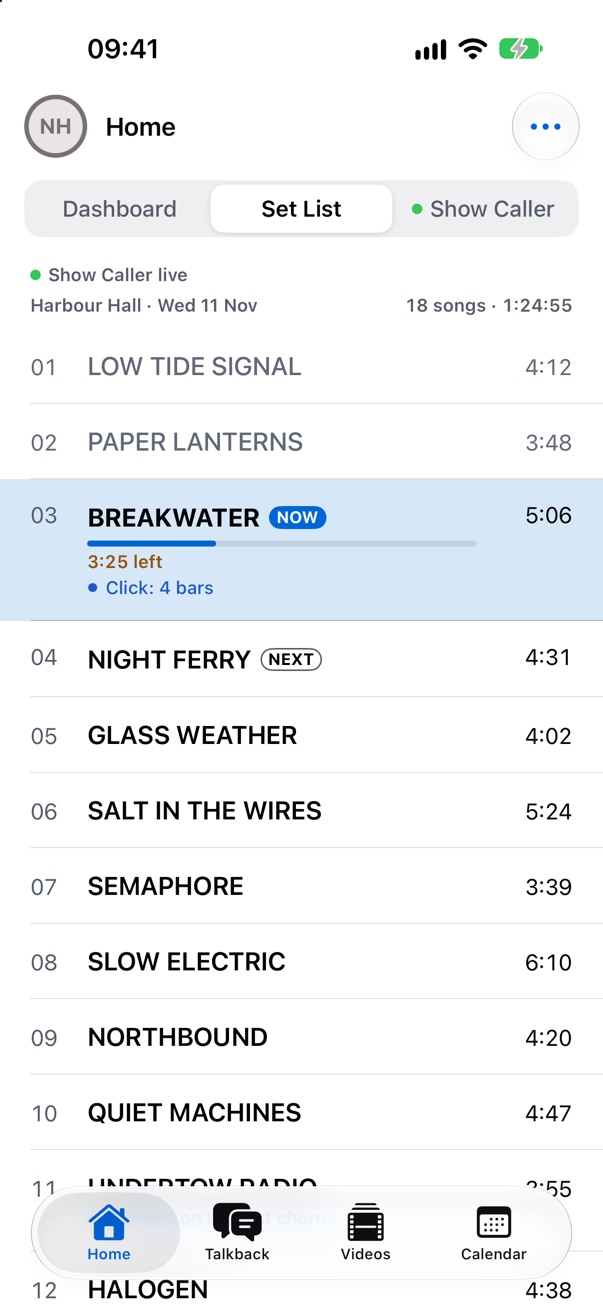
From soundcheck to delivery
Four steps. With Auto Deliver on, most of it happens by itself after the first.
-
01
Record
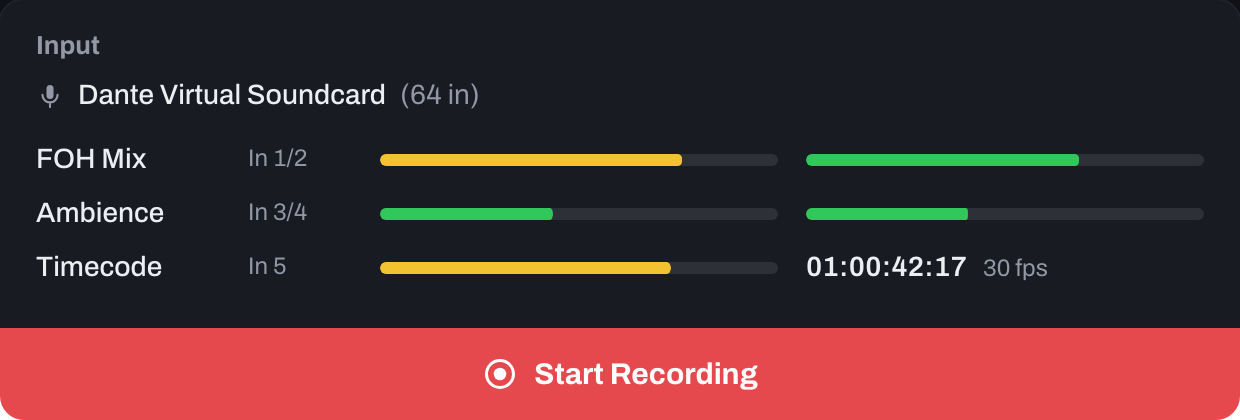
Set your inputs and the set. Press Start Recording.
-
02
Run the show
The Show Caller follows along. Talkback reaches everyone.
-
03
Export
With Auto Deliver on, press Stop: your front-of-house mix, song by song, with the room mics alongside.
-
04
Deliver
To Samply or Google Drive, and to everyone's iPhone.
-
Listen
Everyone hears the show.
Record
Set your inputs, build the set, press Start Recording. MixAssistant for Mac is the engine at the desk.
- The desk's mix, the room mics and the timecode
- Recorded on your Mac, and streamed as it goes
- It leads the Show Caller, then exports and delivers the songs
Song Manager
Every song's timecode, tempo and key, labelled before the show. Change tonight's order and every phone has it.
- LOW TIDE SIGNAL01104D min
- PAPER LANTERNS02118F maj
- BREAKWATER0396A min
- NIGHT FERRY04122E min
- GLASS WEATHER05110G maj
- SALT IN THE WIRES0692B min
Sent to every phone
Run the show
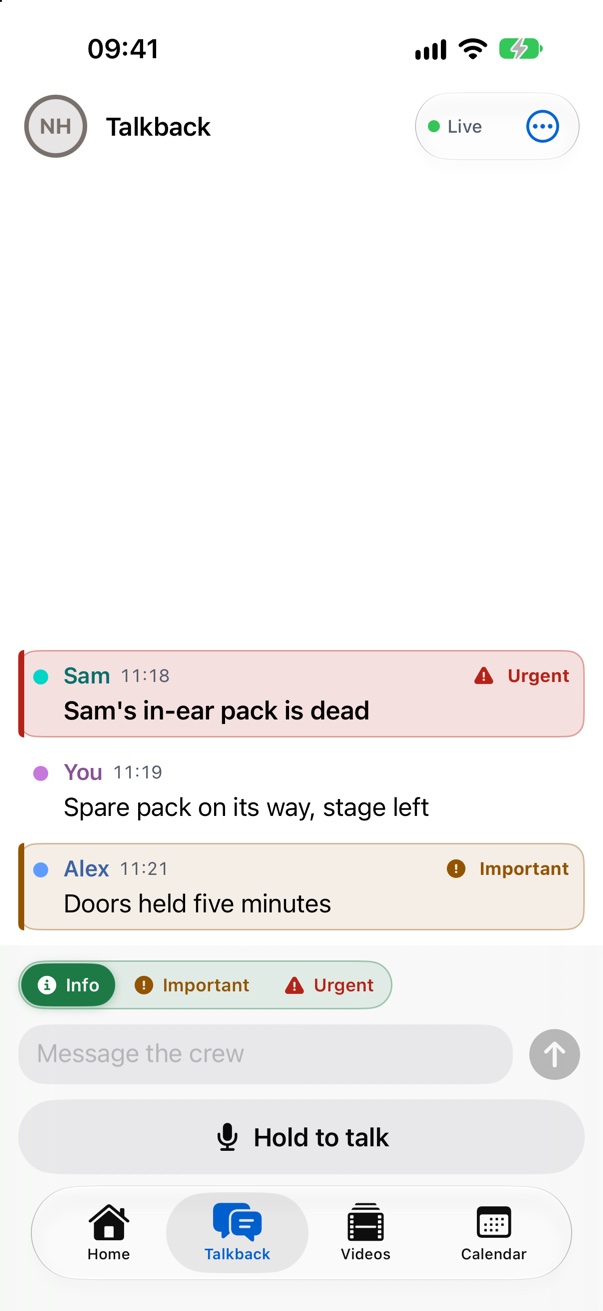
The Show Caller follows the timecode, so nobody has to call it. Talkback reaches everyone as text, whether it is said into a talkback mic or typed.
- Now, next and how far in, on every screen
- The desk's talkback mics, written out as people speak
- Or hold to talk on a phone, or type. Marked Info, Important or Urgent.
Export
Turn on Auto Deliver and press Stop: your front-of-house mix comes out song by song, with the room mics alongside, levelled and named. Or do it yourself in Export.
- Exactly the mix you did at the desk
- The room's ambience, lined up with it
Six songs, ready to deliver
Deliver
To Samply or Google Drive. And to the iPhone app, where everyone's videos sync to the desk's sound.
- Samply
- Google Drive
- The iPhone app
Videos with the desk's sound
Anyone who filmed adds their videos. They come back lined up to the frame. Try it: HONNE in Manila. Turn the sound on and slide towards Ambience.
For the touring party
On iPhone, Apple Watch and the web.
The set list follows the show
When the timecode reaches the next song, every phone's set list moves to it, so nobody has to call it.
Set List
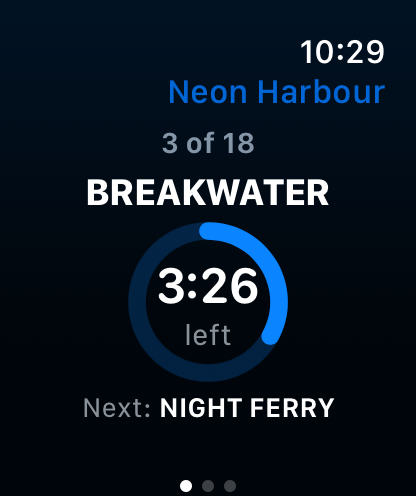
Now, next and how long's left.
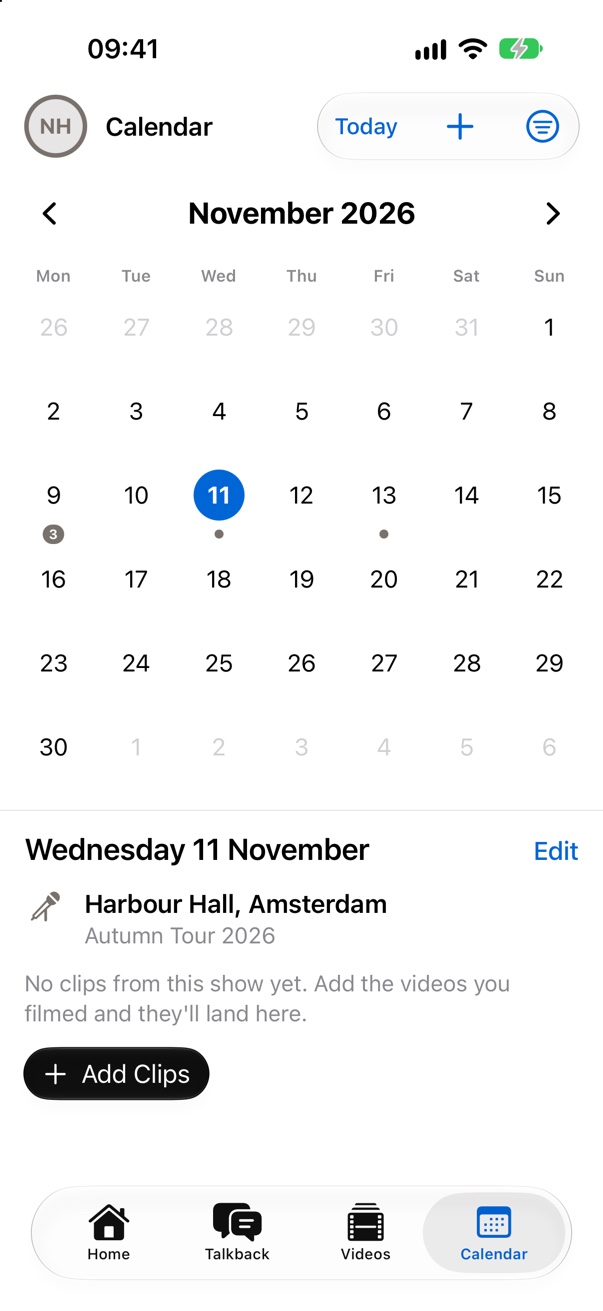
Calendar
Every show day in one place.
Apple Watch
Now and next on your wrist.
Everyone hears the show.
The desk's mix, live, from the dressing room or the bus. And every video, with the sound you heard out front.
Who it's for
Private. The touring party and guests are invited by the artist's admin, and engineers join the Mac beta by invitation.
The engineer
- Front of house or monitors
- Records, runs and delivers the show
The touring party
- Band, crew and management
- The show, talkback and every video
Guests
- Friends, family and support acts
- The set list and their own videos
Get started
- Engineers: MixAssistant for Mac is in private beta.
- Everyone else: open your invite on any phone or computer.